
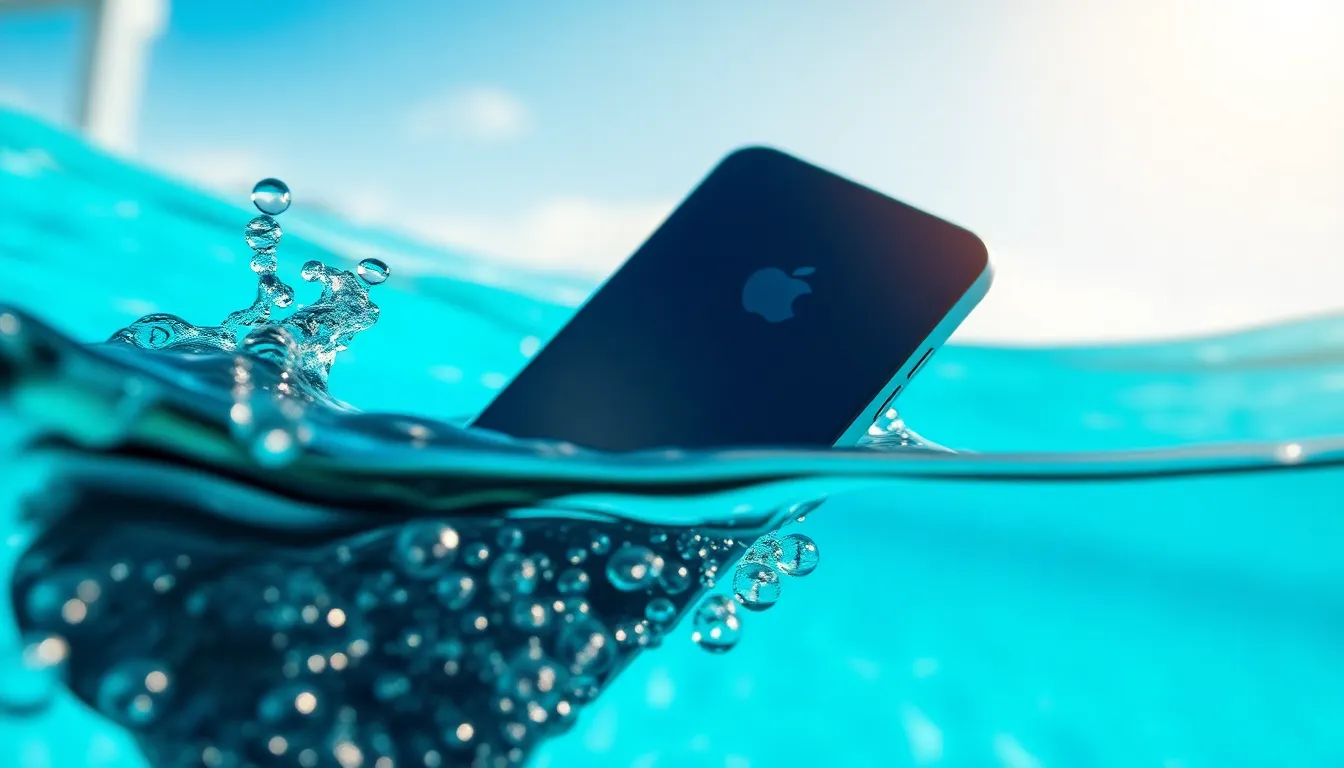
If your iPhone just took an unexpected plunge into a pool or got caught in a rainstorm, you might be wondering if it’s still swimming or sinking. Water damage can sneak up on even the most careful users, turning your trusty device into a soggy mess faster than you can say “iPhone lifeguard.” Thankfully, there are telltale signs that reveal whether your phone’s gone for a swim or is just wet behind the ears.
Understanding Water Damage in iPhones
Water damage can significantly compromise an iPhone’s functionality. Recognizing its potential effects aids in timely repair or replacement.
Common Causes of Water Damage
Many everyday situations lead to water damage in iPhones. Accidental drops in pools and toilets frequently occur. Exposure to heavy rain can also be a risk when users aren’t cautious. Bathing or showering with a phone can create exposure to steam and water. Additionally, using the device in humid environments increases vulnerability. Even minor spills can result in significant issues if not addressed quickly.
Signs of Water Exposure
Several visible indicators suggest water damage. Check if the device shows moisture in the charging port or headphone jack. Discoloration or odd spots on the screen often signify water intrusion. Look for the Liquid Contact Indicator (LCI) to confirm this damage. If the indicator is red, that indicates contact with water. Slow performance and unexpected shutdowns also suggest issues. Users may also notice unusual battery behavior, such as rapid drainage or overheating.
Checking for Water Damage
Determining if an iPhone has water damage requires careful examination. Several indicators can help identify potential issues.
Inspecting the SIM Card Slot
Checking the SIM card slot can reveal signs of water damage. Users should remove the SIM card tray and inspect it for moisture or discoloration. Water exposure may cause corrosion or rust in the slot. If there’s any visible residue or changes in color, this could indicate damage. Additionally, a damp SIM card may further suggest the iPhone faced significant water exposure. If any doubts exist, professional inspection offers more thorough assessments.
Looking for Liquid Contact Indicators
Liquid Contact Indicators (LCIs) provide direct evidence of water damage. Each iPhone includes these indicators, typically located near the SIM card slot or battery compartment. When exposed to moisture, these indicators change color, usually from white or gray to red. Users should check for this color change as it signifies potential contact with liquid. If the LCI is red, water damage likely occurred, warranting immediate attention. This simple check can help assess a device’s condition before further damage occurs.
Testing Your iPhone
Testing an iPhone for water damage involves examining various functionalities and utilizing diagnostic tools.
Performing a Functionality Test
Begin by evaluating how the iPhone responds to basic functions. Check the touchscreen for responsiveness. If unresponsive areas appear, consider water damage. Make calls and send texts to ensure connectivity. Distorted audio during calls may indicate internal damage. Access the camera and take photos. Water damage can affect picture quality or cause lens fog. Test the speakers by playing audio. Unusual sounds or no sound may signal issues. Finally, monitor battery performance. Rapid drainage can also suggest damage. Conducting this test helps identify potential problems caused by water exposure.
Using Diagnostic Apps
Utilizing diagnostic apps can provide valuable insights into an iPhone’s health. Several reputable apps, like Apple’s built-in diagnostics tool, can help assess the device’s status. Launch the app and follow the prompts for tests. Each app may offer specific tests for functionality and performance. Check for indicators that signal moisture damage. Many apps can detect hardware issues, including sensors and connectivity. A reliable diagnostic app offers guidance on potential repairs if any problems arise. Regular use of diagnostic tools ensures users stay aware of their device’s condition and any potential water damage issues.
Preventing Future Water Damage
Taking precautions against water damage can significantly extend the life of an iPhone. Users should consider investing in quality protective cases designed for water resistance to safeguard their devices during everyday activities.
Protective Cases and Accessories
Choosing a waterproof case is essential for users frequently around water. Popular options include brands like Lifeproof and OtterBox, which offer robust protection. Screen protectors also provide an extra layer of defense against moisture. Additionally, maintaining a dedicated space for your phone while participating in water-related activities reduces the risk of accidental exposure. Avoiding direct contact with water enhances the protective measures already in place.
Best Practices for Water Exposure
Using the iPhone in dry conditions minimizes water exposure risks. Users should refrain from using their devices during rain or near pools without proper protection. If the phone accidentally falls into water, it’s crucial to remove it immediately. Drying the device with a soft cloth and keeping it off ensures moisture doesn’t seep into internal components. Regularly inspecting the Liquid Contact Indicators helps users stay informed about potential vulnerabilities. Carrying the device in a waterproof pouch during aquatic activities protects it from unexpected splashes.
Recognizing the signs of water damage is crucial for iPhone users. By examining indicators like moisture in ports and the status of the Liquid Contact Indicator, users can determine their device’s condition. Conducting functionality tests and using diagnostic tools can further clarify whether water exposure has affected performance.
Taking preventive measures is equally important. Investing in water-resistant cases and practicing caution during water-related activities can help safeguard the device. Regular inspections and prompt action after potential exposure can extend the life of an iPhone. Staying informed and proactive ensures users can enjoy their devices for years to come.


