

In a world where everyone seems to be connected, the question of security often gets lost in the shuffle. When it comes to sharing your iPhone’s hotspot, it’s not just about streaming cat videos or scrolling through social media. It’s about keeping your sensitive data safe from prying eyes. After all, you wouldn’t invite a stranger into your house, would you?
Understanding iPhone Hotspot Security
iPhone hotspots provide convenience for internet access, but security considerations remain important. The potential for unauthorized access exists, so enabling proper protections is crucial when sharing a connection.
Password protection serves as a fundamental layer of security. Setting a strong password for the hotspot limits access to trusted users only.
Encryption plays a significant role in securing data transmitted over the hotspot. iPhones utilize advanced encryption methods, ensuring that information sent and received remains confidential.
Monitoring connected devices helps maintain control over the network. Users can view who is connected and remove any unfamiliar or unauthorized devices promptly.
Limiting the hotspot duration can enhance security. By turning off the hotspot when not in use, users prevent unauthorized access during idle times.
Updating the iPhone regularly also strengthens security measures. Regular software updates contain important security patches that protect against known vulnerabilities.
Opting for a personal VPN adds another layer of security for sensitive data. A VPN encrypts internet traffic, safeguarding information from potential eavesdroppers, especially on public networks.
Following these practices ensures a safer experience while using an iPhone hotspot. Prioritizing security protects personal data and creates a more secure online environment.
How iPhone Hotspot Works
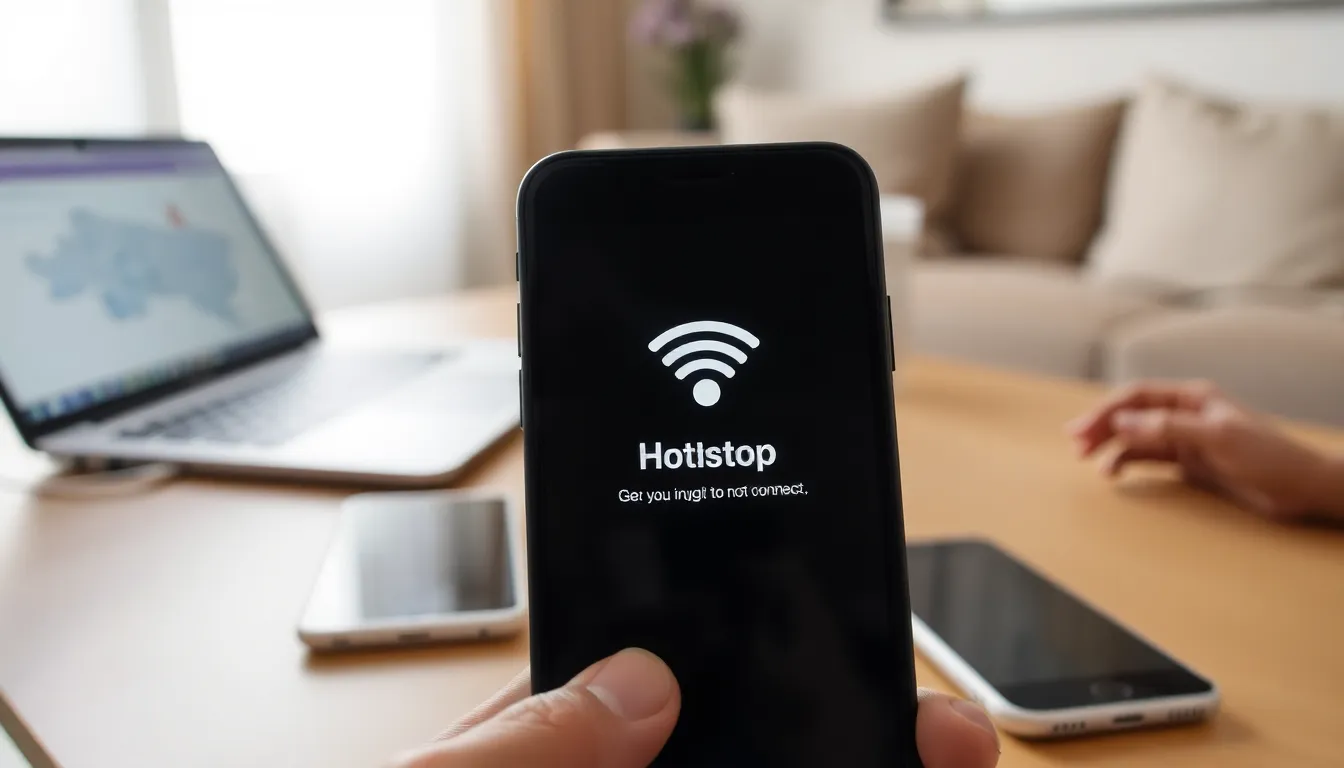
iPhone hotspots offer a convenient way to share internet access with other devices. Understanding how this process unfolds is crucial for ensuring security.
Connection Process
The connection process begins when a user enables the hotspot feature in the iPhone settings. Users select a secure password to restrict access. Once activated, nearby devices can discover the hotspot and require the password to connect. A device attempts to join the network by inputting the correct password. Upon successful authentication, the connection establishes between the iPhone and the device. Data transmission can then take place using the cellular network. Users can monitor connected devices within the settings to manage access effectively.
Data Sharing Mechanism
Data sharing employs the cellular network as its backbone. The iPhone acts as a bridge, converting cellular data into Wi-Fi signals for connected devices. When a connected device requests information, the iPhone transmits data via the cellular network. This transfer encompasses various activities, such as browsing the web or streaming video. Wireless encryption protects the data during transit, ensuring secure communication between the iPhone and connected devices. Users should prioritize monitoring the data usage on their hotspot to avoid unexpected charges. Maintaining awareness of active connections enhances overall security and performance.
Potential Security Risks
Using an iPhone hotspot comes with various security risks that users must recognize to protect sensitive information. Understanding these risks can lead to more secure internet usage while sharing a hotspot.
Unauthorized Access
Unauthorized access poses significant risks for hotspot users. Anyone within range can attempt to connect if the iPhone hotspot lacks strong password protection. Weak, easily guessable passwords invite unwanted guests to access a user’s network. Once connected, unauthorized individuals can potentially monitor online activities, intercept data, or consume data allowances. To minimize this risk, users should employ strong, unique passwords and regularly change them. It’s critical to monitor connected devices through the iPhone’s settings regularly. By managing access actively, users can ensure only trusted devices maintain a connection to the hotspot.
Data Interception
Data interception represents another major concern for iPhone hotspot users. Even with encryption, skilled hackers may find ways to intercept data transmitted over a mobile hotspot. This risk increases when connected devices lack proper security measures or utilize outdated protocols. When users access sensitive information like passwords or personal details, interception can lead to identity theft or unauthorized transactions. Utilizing a personal VPN adds an extra layer of encryption, reducing the likelihood of data interception. Regular updates to both the iPhone’s operating system and connected devices further protect against vulnerabilities. By being aware of these risks, users can take steps to safeguard personal information while using their iPhone hotspot.
Best Practices for Securing Your iPhone Hotspot
Securing an iPhone hotspot requires several key practices to ensure a safe connection. Various strategies enhance security and protect sensitive data.
Strong Passwords
Creating strong passwords is crucial for iPhone hotspot security. Passwords should consist of a mix of uppercase and lowercase letters, numbers, and symbols for maximum effectiveness. Using unique passwords for each hotspot minimizes the risk of unauthorized access. Avoid common phrases or easily guessable information like birthdays. Regularly updating passwords strengthens security further and deters potential intruders. Implementing these practices helps maintain control over who accesses the hotspot.
Limiting Connections
Limiting the number of devices connected to the iPhone hotspot enhances security. Only allowing trusted users to connect reduces the risk of unauthorized access. Actively monitoring connected devices ensures awareness of any unfamiliar connections. Setting a time limit for hotspot availability also helps manage potential vulnerabilities. Shutting off the hotspot when not in use prevents unintended connections and conserves battery life. By controlling connections, users significantly improve the safety of their hotspot network.
Ensuring the security of an iPhone hotspot is essential for protecting personal data in an increasingly connected world. By implementing strong passwords and monitoring connected devices users can significantly reduce the risk of unauthorized access. Regular software updates and the use of a personal VPN provide additional layers of protection against potential threats.
Being proactive about hotspot security not only safeguards sensitive information but also enhances overall online experiences. By following best practices users can enjoy the convenience of internet access without compromising their safety.


